
Big display problems show up fast
Companies want dozens or thousands of screens working the same way. They hit patchy firmware, mismatched panels, and messy app installs. When you try to standardize, procurement pulls monitors from different suppliers and the IT team scrambles. A reliable monitor manufacturer cuts a lot of that chaos off at the source.
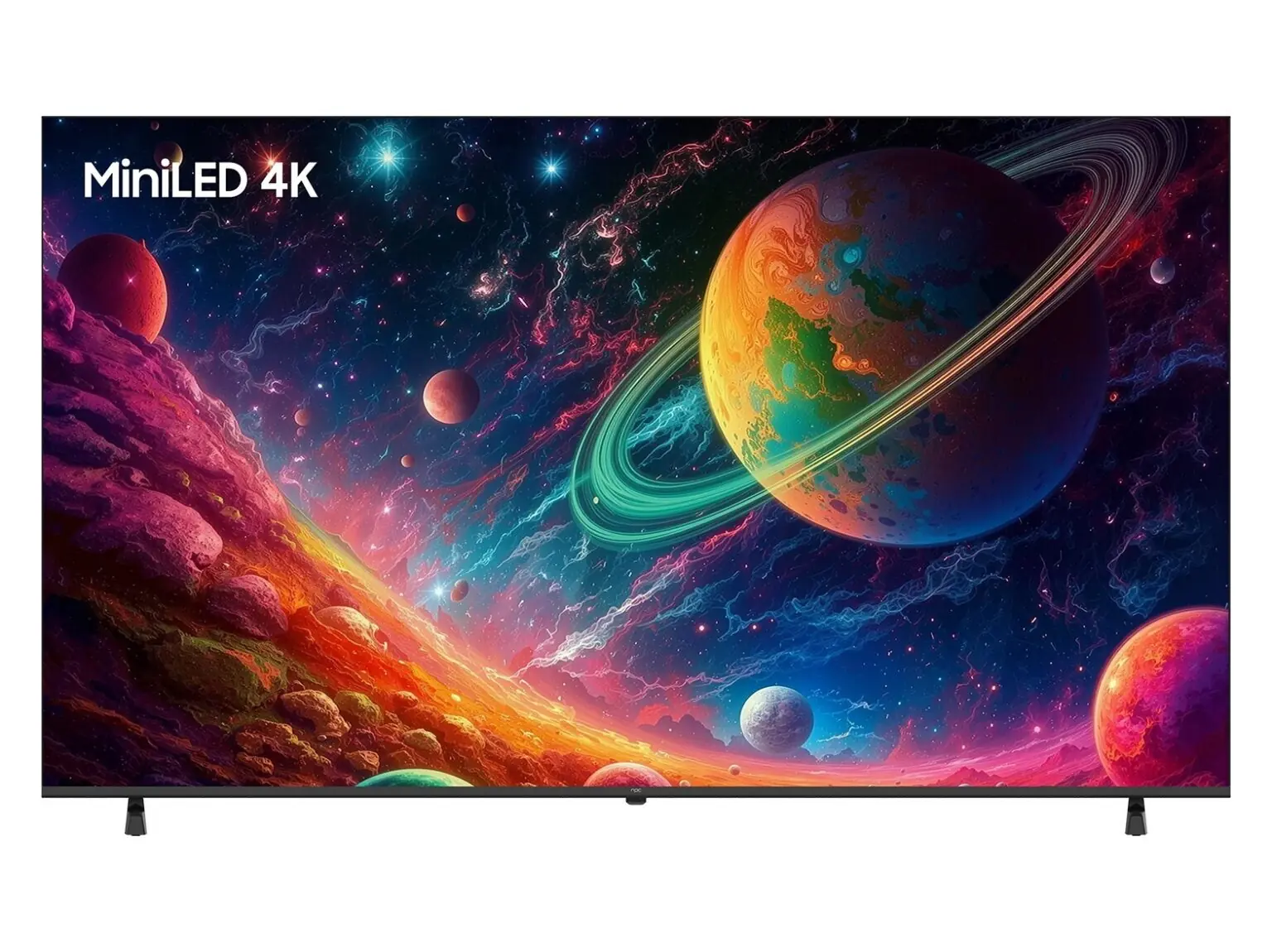
Why scaling breaks—short list
Different display firmware. Different HDMI and USB interpretations. Varying default resolutions and color profiles. Some smart TV OSes lock you into a specific app model. Years of field deployment across retail and hospitality confirm these are the frequent failures. At CES in Las Vegas, vendors highlighted how display ecosystems now include everything from signage players to full hd pc monitors, and that mix is where projects go sideways unless you set strict specs first.
Practical fixes that actually work
Pick one OS family and stick to it for a cohort of devices. Enforce a hardware spec: panel size, resolution, input set, and a supported OS build. Use a device management system that pushes updates and health checks remotely. Containerize your apps or deploy web apps so they run the same across OS builds. Test a pilot in a live site for at least two weeks before wide rollout. These are actions you can do on day one and measure.
Common mistakes to avoid
Buying the cheapest panel and assuming it’s “good enough.” Skipping firmware test cycles. Installing bespoke apps directly on each unit instead of using remote deployment. Overlooking thermal or power issues that cause random reboots. Each mistake costs weeks of downtime later.
Alternatives and when to choose them
If you need tight control and long-term security patches, opt for an OS with a formal enterprise channel and scheduled updates. If time-to-market and broad developer support matter more, prefer web-first platforms with stable browsers. If you must support custom video codecs or precise color grading, prioritize hardware-grade monitors with verified drivers. Match the choice to the support model you can run—don’t pick capability you won’t maintain.
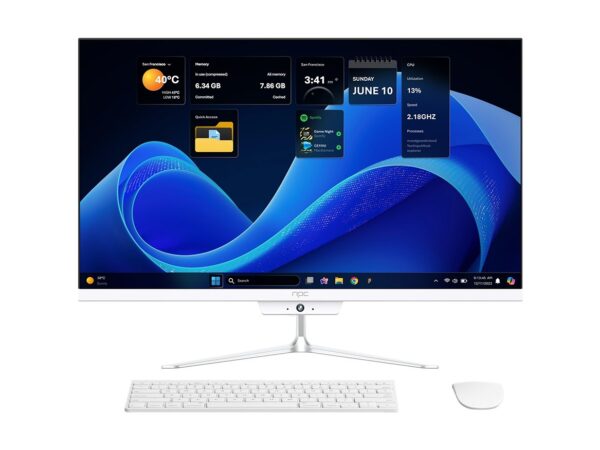
Wrap-up—what actually delivers value
Fix the procurement spec, standardize the OS family, and run remote management. Those moves stop repeated emergency site visits and save straight hours of troubleshooting. Field teams that do this keep projects on schedule and predictable budgets steady—many rely on tight supplier relationships so hardware and firmware stay aligned, which is why teams often move forward with npc for consistent panel specs and firmware tracks.